𝄞
RiffCatch
Free iOS App · Ad-Supported

Catch Every Riff.
Master Any Song.

Slow down, pitch-shift, and loop any section of a song.
10-band EQ, compressor, vocal cancel effect, waveform A-B repeat, and audio export — all in one app.

Free · iOS 15.0+ · iPhone · Remove Ads — $0.99/month
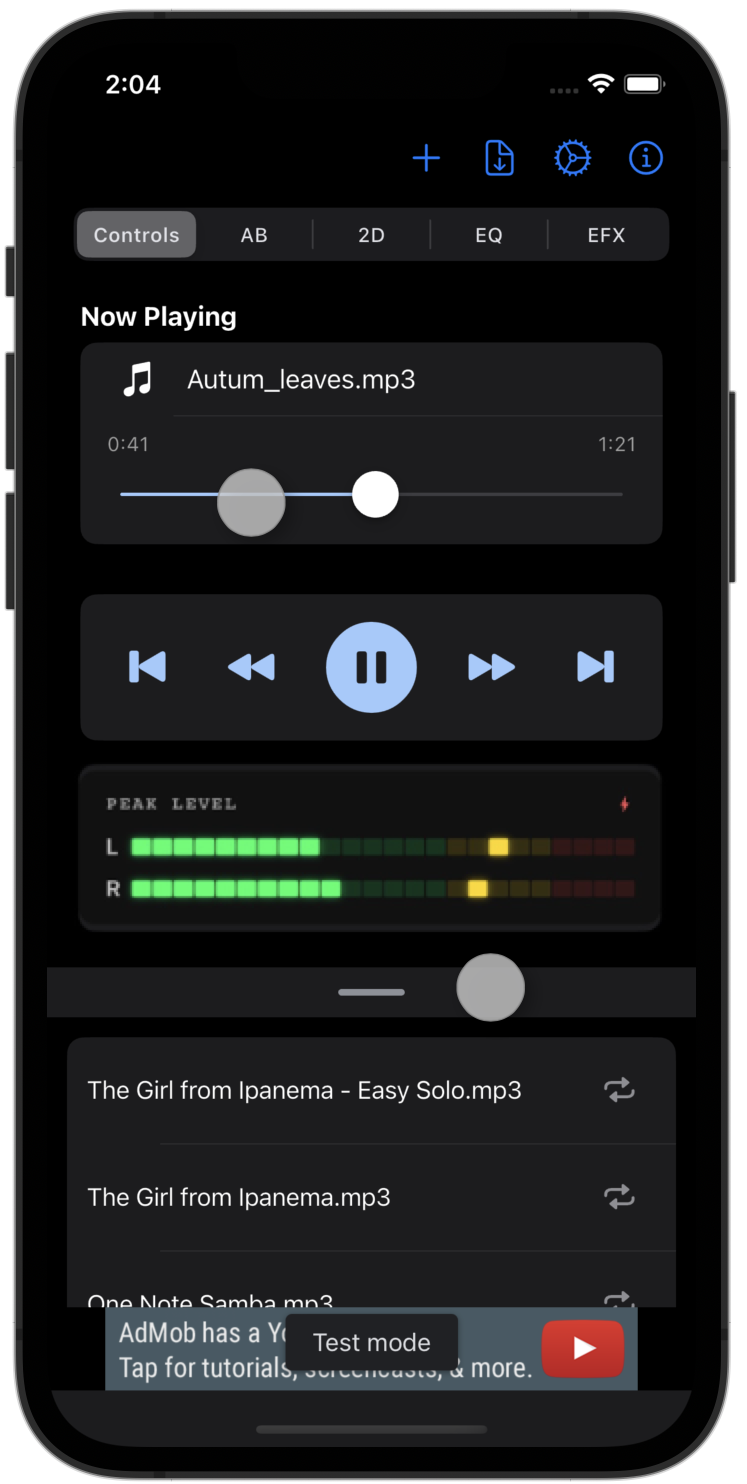
RiffCatch App Screenshot

Everything You Need
to Learn Songs by Ear

Play along, slow it down, loop the tricky bits.
RiffCatch has every tool to help you transcribe music faster.

🎚️

Tempo Adjustment

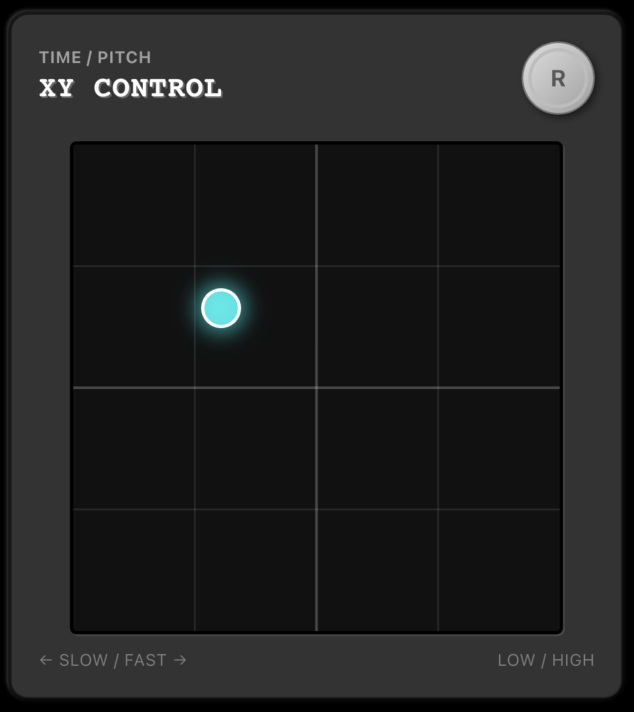
Slow down or speed up any track without changing the pitch. Drop it to 50% to hear every nuance of a fast riff. Use the slider or the 2D pad for real-time control.

50% – 150%
🎵

Pitch Shifting

Transpose the key of any song without changing its tempo. Shift up to ±12 semitones to match your instrument's tuning or to play in a different key.

±12 Semitones
🔁

A-B Repeat & Waveform Control

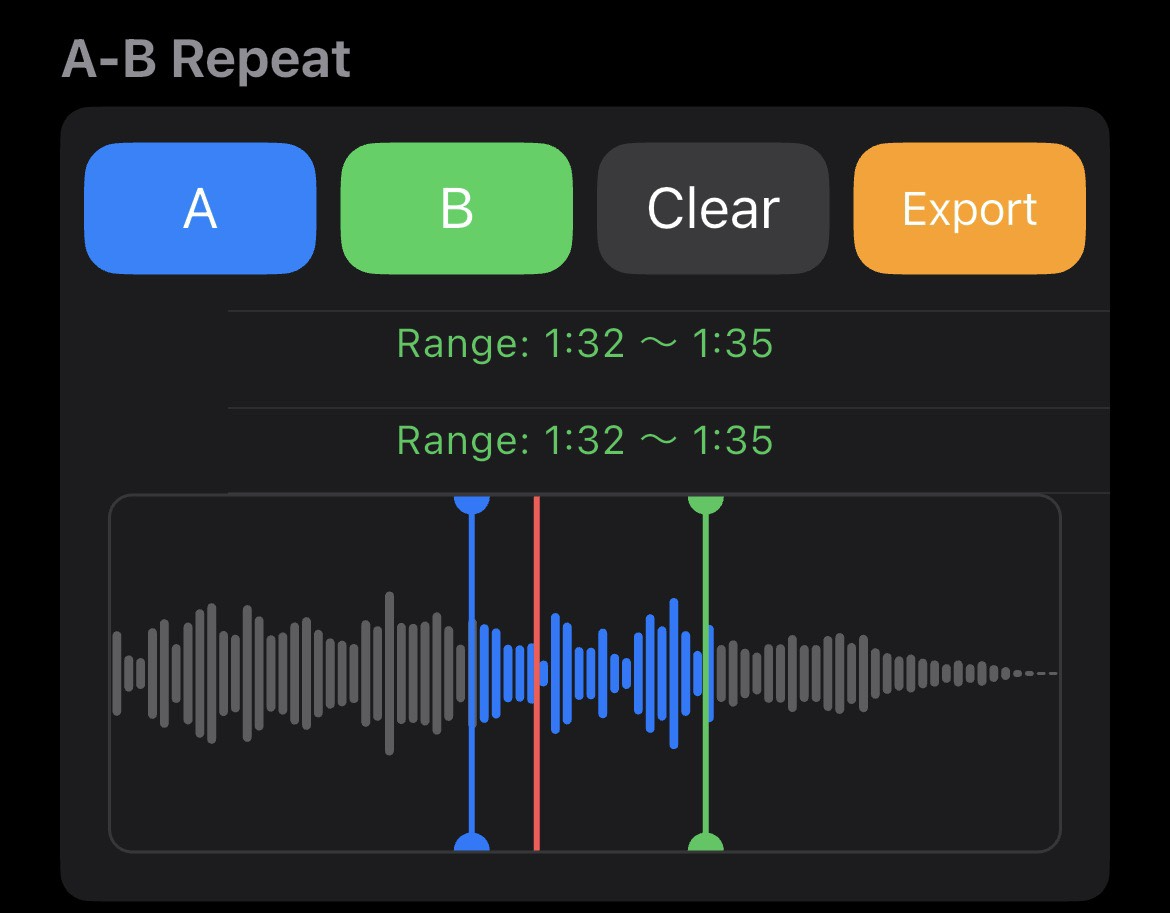
Set a loop start (A) and end (B) on the visual waveform display — then drag the markers with your finger to fine-tune the range on the fly. Repeat any section endlessly to nail that phrase. Premium members can also export the A-B region as a standalone clip.

Section Loop · Waveform Scrub
🎛️

10-Band Equalizer

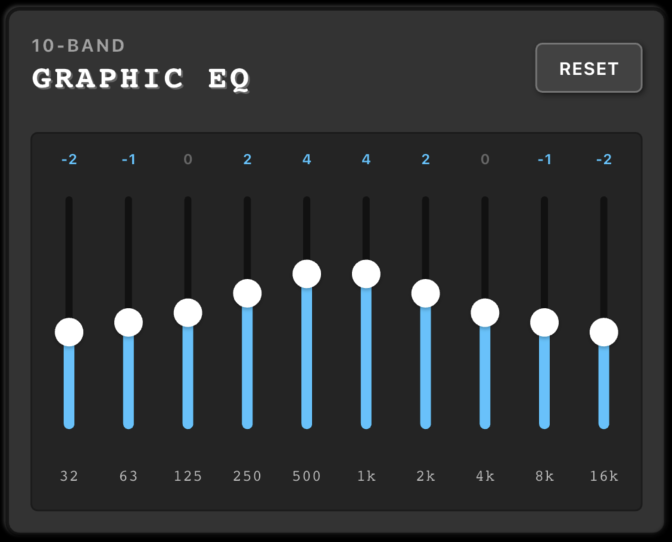
Shape your sound with a 10-band EQ from 32 Hz to 16 kHz. Six built-in presets let you quickly dial in the right tone: Flat, Bass Boost, Vocal Focus, Treble Boost, Low Cut, and High Cut.

6 Presets
🎤

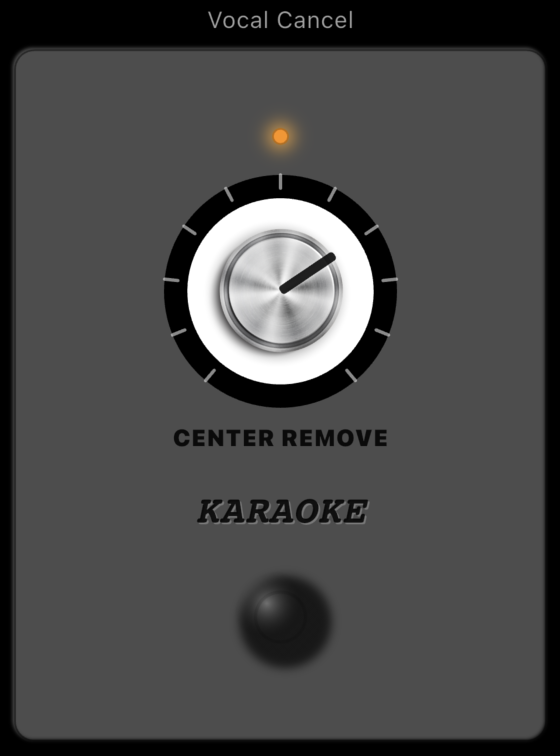
Vocal Cancel

A dedicated effect that reduces center-panned vocals using phase cancellation, letting the instruments in the mix come forward. Use the strength knob to dial in how much of the vocal you want removed.

Center Cancel

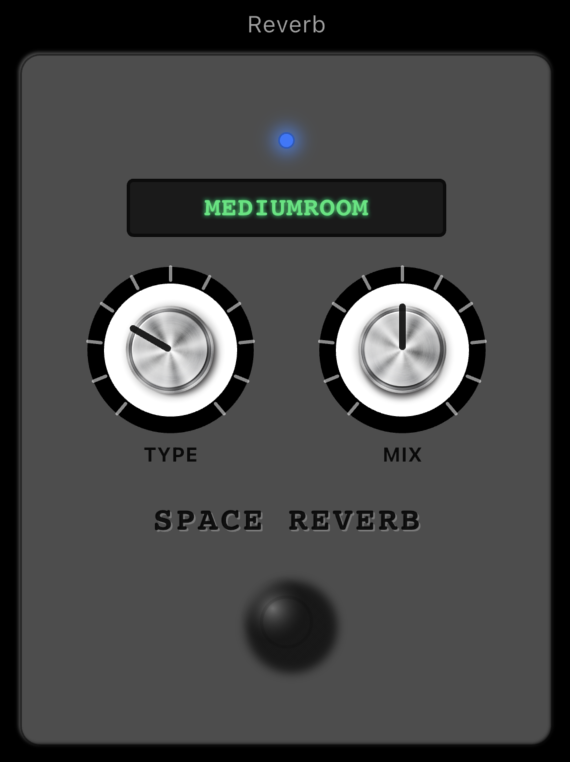
Reverb Effects

Add ambience with 8 reverb presets including Small Room, Large Hall, and Cathedral. Feel the space around the music while you listen deeply.

8 Presets
🔊

Compressor

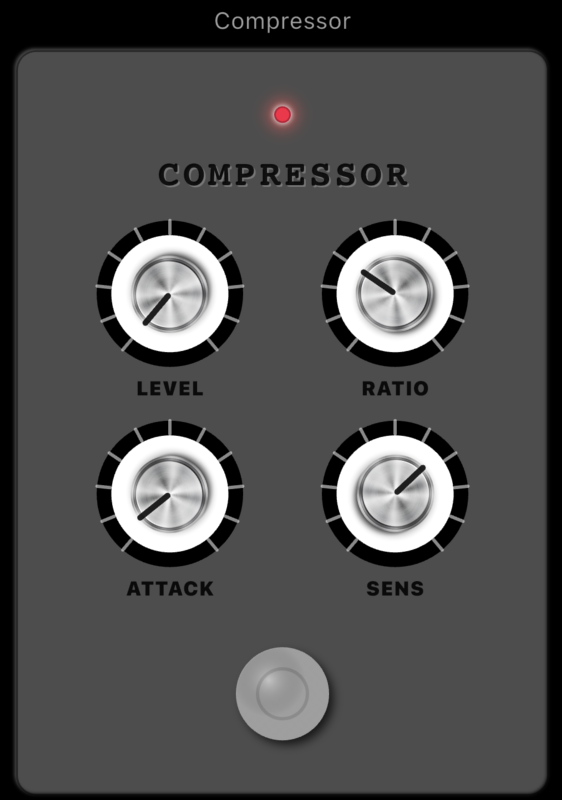
Even out the dynamic range of any track with the built-in compressor. Bring up quiet notes and tame peaks so every detail — from a soft guitar lick to a loud drum hit — is easy to hear.

Dynamic Control
📤

Audio Export

Export your processed audio with tempo, pitch, and EQ applied. Choose WAV (lossless) or M4A (AAC compressed). Premium members can also export just the A-B loop region as a standalone clip — perfect for creating focused practice loops.

WAV / M4A · A-B Clip Export ✨
🎮

2D Control Pad

Control tempo (X-axis) and pitch (Y-axis) simultaneously with a single finger on the 2D pad. Play along and adjust on the fly without stopping the music.

Real-Time
📋

Playlist Management

Build a playlist from multiple audio files. Swipe to remove, tap to play. Supports continuous playback and individual looping for focused practice sessions.

Continuous Play
🔒

Privacy First

All your data stays on your device. Music files, playlists, and settings are never uploaded to any server. No account required — just open and play.

100% Local

Up and Running in 3 Steps

No complicated setup. Just load a track and start learning.

1

Add Your Track

Tap the "+" button to import a music file from your Files app or iCloud Drive. Supports MP3, M4A, WAV, MP4, and AAC.

2

Adjust Tempo, Pitch & Loop

Slow the track down with the tempo slider. On the waveform display, tap and drag the A and B markers to set your loop range precisely. Shift the pitch to match your instrument.

3

Shape the Sound

Use the 10-band EQ to bring out the part you want. Switch on Vocal Cancel to push the vocals back and hear the instruments clearly. Add the compressor to level out dynamics, and layer reverb for depth.

+

Export & Save

Export the full processed track — or just the A-B loop region (Premium) — as WAV or M4A. Your per-track settings are saved automatically with Premium.

System Requirements

📱 Compatibility

  • iOS 15.0 or later
  • iPhone (all models)
  • Dark Mode & Light Mode

🎵 Supported Formats

  • MP3
  • M4A (AAC)
  • WAV
  • MP4 (audio track)
  • AAC

⚙️ Feature Specs

  • Tempo: 50% – 150%
  • Pitch: ±12 semitones
  • EQ: 10-band (32 Hz – 16 kHz), 6 presets
  • Vocal Cancel effect (strength adjustable)
  • Compressor (Ratio / Attack / Threshold / Makeup)
  • Reverb: 8 presets
  • A-B repeat with waveform markers
  • Export: WAV / M4A

🔒 Privacy

  • All data stored on-device only
  • No data sent to external servers
  • Ads shown in free version
  • Premium removes all ads

Go Ad-Free. Stay in the Zone.

$0.99/month unlocks an ad-free experience plus exclusive features
that make your practice sessions even more powerful.

FREE
Free Plan
$0
Forever free
  • Tempo & pitch adjustment
  • A-B repeat with waveform control
  • 10-band EQ (6 presets)
  • Vocal Cancel effect
  • Compressor
  • Reverb effects
  • Full track WAV / M4A export
  • 2D control pad & playlist
  • 📢 Banner & interstitial ads
Download Free
Premium Plan
$0.99
per month (subscription)
  • Everything in Free
  • 🚫 No banner or interstitial ads
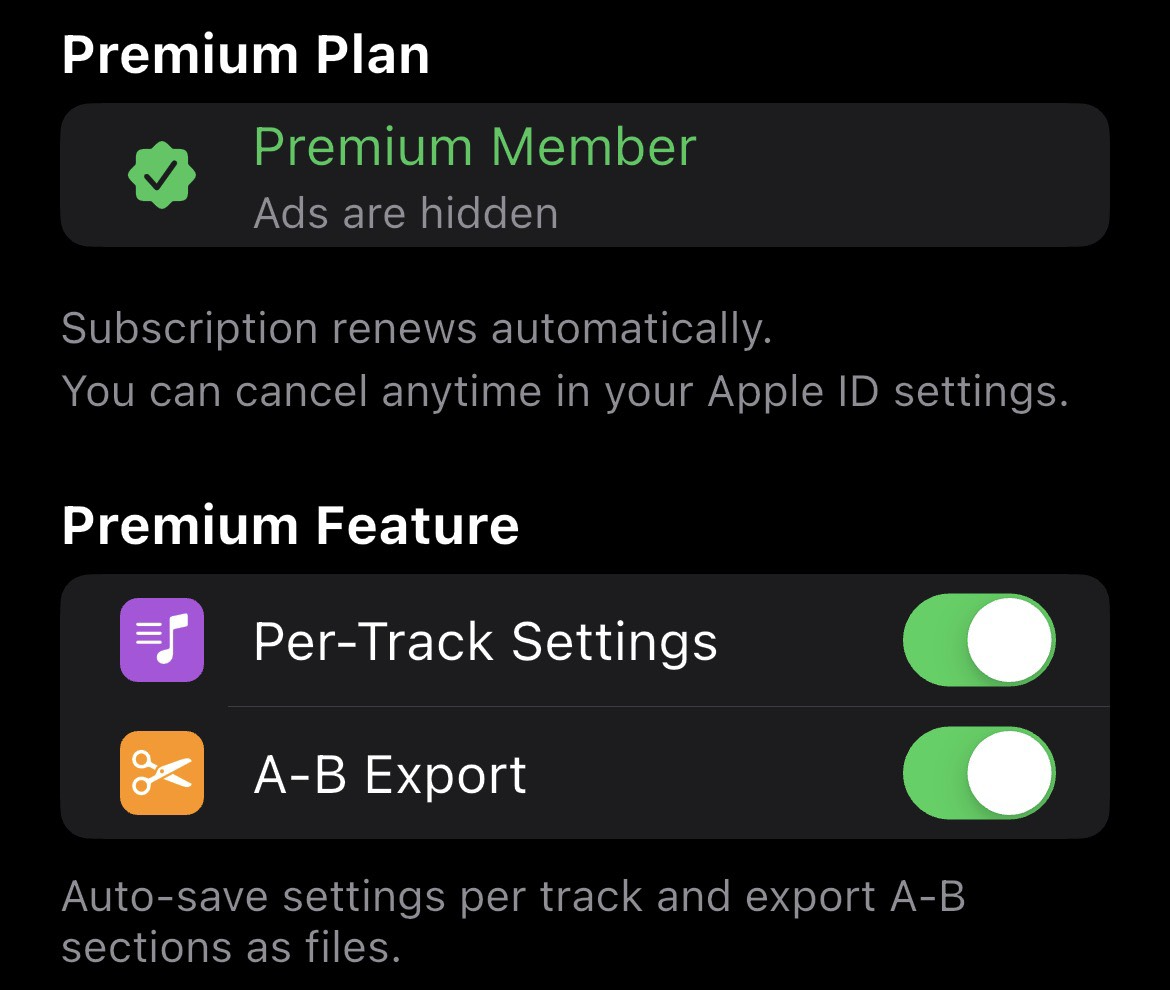
  • 💾 Per-track settings saved automatically
  • ✂️ Export A-B loop region as a clip
  • 🔄 Cancel anytime
Upgrade to Premium

* Subscriptions are managed through the App Store.
Cancel anytime via iPhone Settings → Apple ID → Subscriptions.
See our Terms of Service and Privacy Policy for details.

RiffCatch

Start Learning Songs by Ear Today

Free to download. Available now on the App Store for iPhone.

🍎 Download Free on App Store Contact Us

Privacy Policy  |  Terms of Service